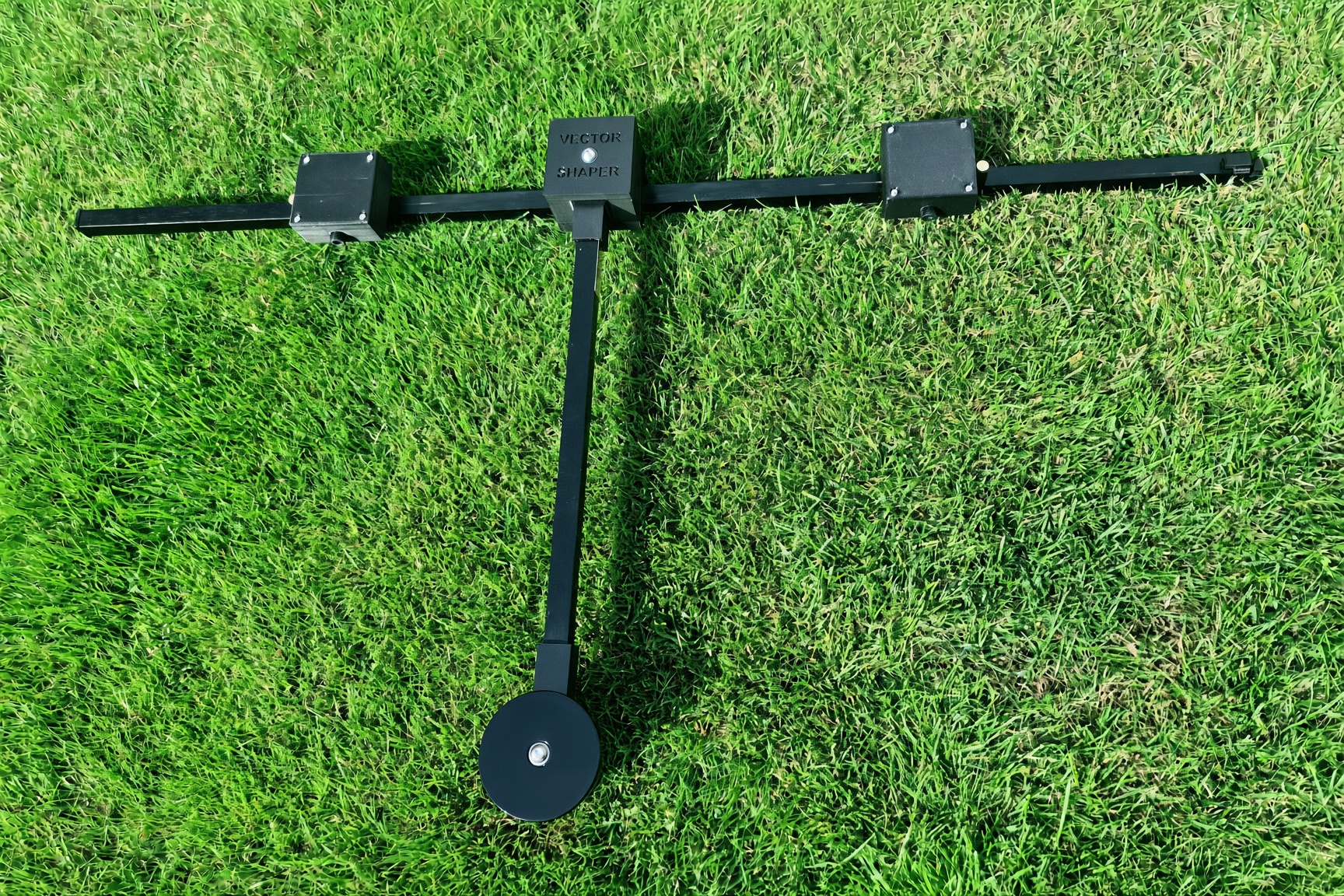
Precision Tailored Golf
This one-time setup personalises the device to your exact body — like having a professional coach standing beside you on every single shot, telling you precisely where to stand and how to align.
What’s in the box
- Vector Shaper — the full-address alignment device. One end is plain (slides into the holder). The other end has a fixed hook.
- Charging cable — USB 2.0 to the 4-leg DC connector on the device.
- Black V-shaped cup holder — attaches to the base of your bag (use your existing bungee or the supplied strap). The plain end of Vector Shaper slides in.
- Bungee cord — place this near the top of the bag. It clips onto the fixed hook on the Vector Shaper so the device sits secure and ready.
- White marker pen — semi-permanent, for marking the black shaft with your club positions.
Initial setup — tailored to you
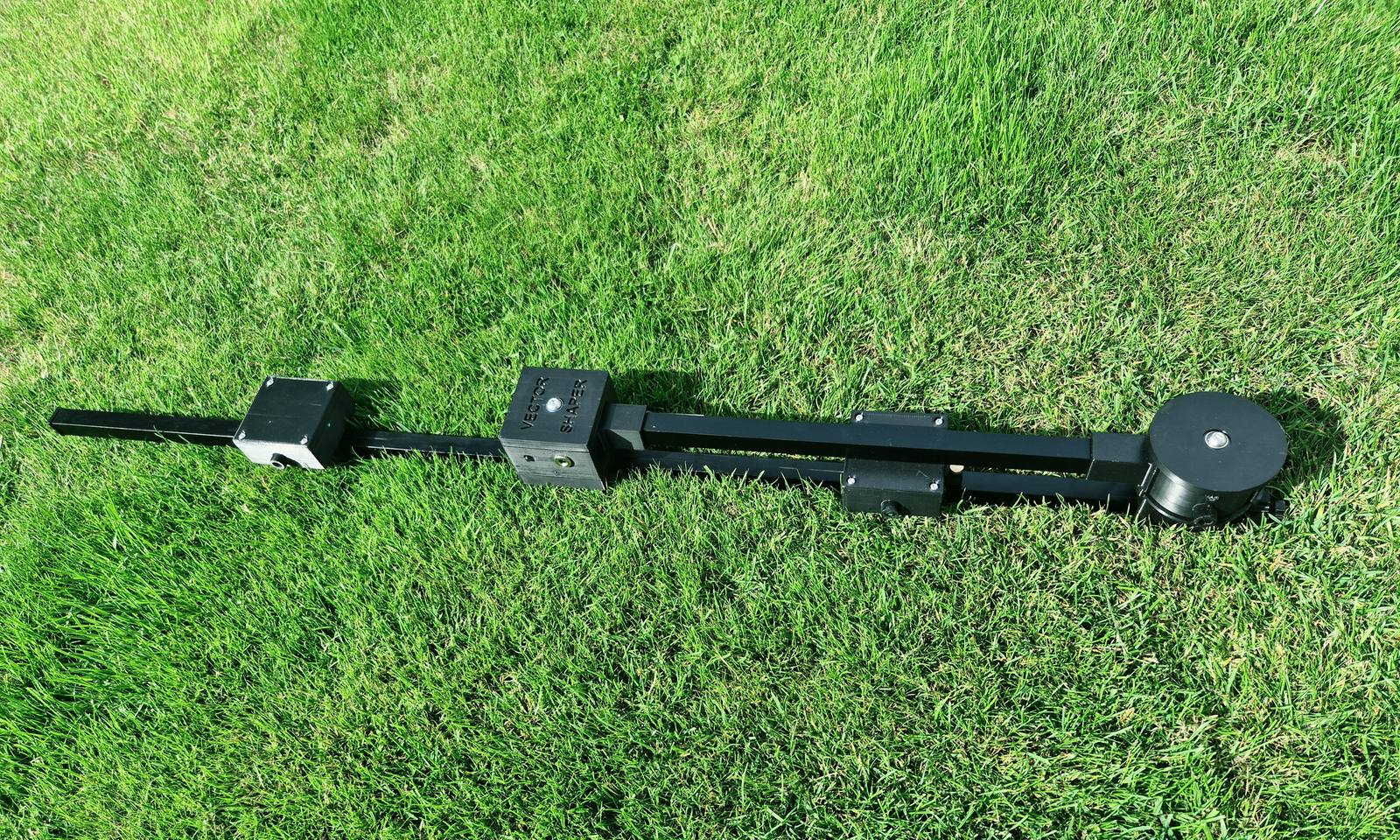
Start with the device in the closed position. After this, straight, draw and fade are just a slide or a twist.
- 01
Start with the device in the closed position (rotator housing aligned with the main shaft).
- 02
Loosen the thumbscrew at the base of the central pivot point.
- 03
Slide the pivot point (rotator housing) along the main shaft. This frees the rotator housing from its closed, locked position and allows it to move freely.
- 04
Rotate the rotator housing shaft so it clicks into position and sits perpendicular to the main shaft.
- 05
Hold the device vertically against your mid-chest, with the rotator shaft pointing straight down toward the ground.
- 06
Look through the small viewing window at the back of the pivot point and slide the housing until the centre mark on the main shaft is perfectly centred in the window.
- 07
Gently tighten the thumbscrew to lock the pivot housing securely in place.
- 08
Loosen the thumbscrews on lasers 4 and 5.
- 09
Slide lasers 4 and 5 outward until they are exactly shoulder-width apart. For this initial setup, shoulder width is the natural distance between the outside of your shoulders and the outside of your feet, so that when you stand to the ball, your feet sit directly under your armpits.
- 10
Gently tighten the thumbscrews on lasers 4 and 5. These stay locked for the entire session — and all future sessions.
- 11
Each housing has its own physical on/off button. Turn them on before use. Once switched on, the device works automatically when placed on the ground.
- 12
The on/off buttons are for transit, use and storage. With them switched on, the built-in tilt switches turn the lasers on when you lower the device to the ground, and off when you raise it.
You have now tailored Vector Shaper precisely to you. All future adjustments (straight, draw, or fade) are made quickly by sliding the main shaft or twisting the rotator housing.